Show summary Hide summary
- Whole-house surge protector at the electrical panel — your front line defense
- Grounding and earthing — the foundation of lightning safety
- Surge-protecting power strips — local defense for sensitive gear
- When thunder hits: the simple, fail-safe action to take
- Protect communications: internet, antennas and telephone lines
- Outdoor equipment and EV chargers — treat them as high-risk assets
- Uninterruptible Power Supplies (UPS) — protect data and work
- Placement of devices — reduce exposure to electromagnetic pulses
- After the storm: inspect for invisible damage and document it
Summer storms are growing more violent, and a single lightning strike can turn a living room full of gadgets into silent, costly wreckage. Homeowners often feel safe indoors, yet surges can travel through wiring and destroy TVs, routers and electric vehicle chargers in an instant. Below are practical, expert-backed steps to reduce that risk and keep your electronics intact when thunderclouds gather.
Whole-house surge protector at the electrical panel — your front line defense
Start at the source. Installing a whole-house surge protector at the main electrical panel limits dangerous voltage spikes before they spread through the wiring. These devices divert excess energy to ground when the grid or a nearby strike sends a massive surge.
Eggs every day for months: simple check reveals shocking blood test result
Popular childhood food ingredient may raise adult anxiety: study
- Why it matters: it protects every circuit of your home from major surges.
- Choose models rated for your local lightning risk and installed by a qualified electrician.
- Remember: surge protectors wear out after absorbing strikes. Check their status indicators regularly.
Grounding and earthing — the foundation of lightning safety
A surge protector needs somewhere safe to send excess current. A poor or old grounding system can turn your protective gear into a liability. Proper earthing channels lightning energy into the soil, away from people and electronics.
Steps to verify and improve grounding
- Have an electrician measure the ground resistance.
- Low resistance is the goal. Ideally well below common regulatory thresholds.
- Adding an extra ground rod or upgrading connections often fixes weak systems.
Surge-protecting power strips — local defense for sensitive gear
For televisions, game consoles and computer clusters, a high-quality surge-protecting power strip adds a last line of protection. They catch residual spikes that might pass the panel-level device.
- Buy units that meet European or international safety standards.
- Prefer strips with visible status lights so you know when they no longer protect.
- Avoid cheap supermarket models. Their internal components fail faster.
When thunder hits: the simple, fail-safe action to take
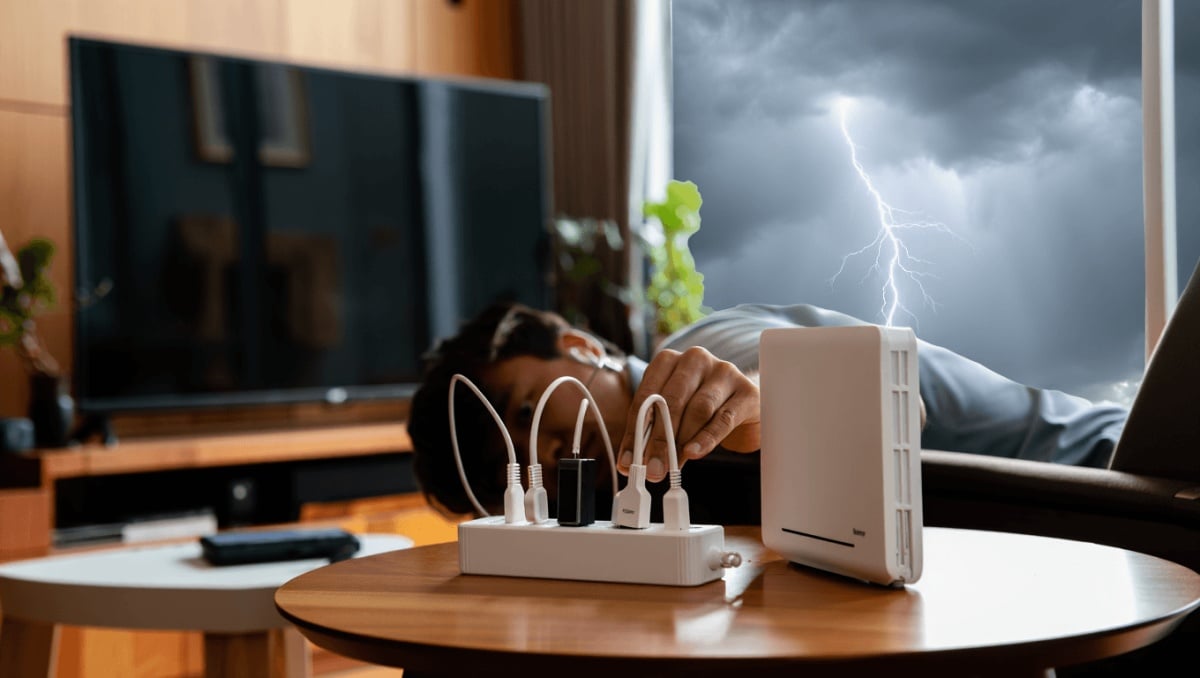
No device replaces the effectiveness of physically unplugging hardware. If a storm approaches, pull plugs from sockets. That step is the only fully reliable way to prevent a direct surge from cooking an appliance.
- Do not trust switched-off power strips or smart plugs.
- Unplug coax, phone and Ethernet cables if safe to do so.
- If you must keep equipment on, at least disconnect its power cord from the wall.
Protect communications: internet, antennas and telephone lines
Lightning finds many entry points. Phone lines, ADSL copper, coax cables and rooftop antennas can carry destructive surges into a box or TV.
- If you have fiber, the fiber cable itself does not conduct electricity, but the powered devices at each end still need protection.
- Install specific surge arresters for coaxial and telephone connections.
- Ensure rooftop antenna masts are bonded to the house grounding system to avoid routing a strike into the living area.
Outdoor equipment and EV chargers — treat them as high-risk assets
Garden tech and exterior installations sit nearer to the point where a strike hits or where surge currents flow through the ground.
- Give outdoor circuits their own surge protection module in the panel.
- Bury supply cables in protective conduit and use weatherproof enclosures for external outlets.
- Inspect outdoor cabinets periodically. Corrosion or loose connections reduce protection.
Uninterruptible Power Supplies (UPS) — protect data and work
Surges are not the only threat. Lightning-induced flickers and brief outages can corrupt files and damage hard drives. A UPS provides clean, continuous power and precious minutes to save work and shut systems down safely.
Picking and using a UPS
- Choose an UPS sized for the load it must support.
- Look for models that both filter voltage and offer battery backup.
- Test battery condition periodically and replace aged units.
Placement of devices — reduce exposure to electromagnetic pulses
Lightning generates powerful electromagnetic fields that can induce currents inside electronics, even when unplugged. Placement matters in limiting that effect.
- Avoid placing sensitive equipment against exterior walls.
- Keep devices away from damp, cold spots that increase conductivity.
- When possible, centralize critical electronics in interior rooms with better shielding.
After the storm: inspect for invisible damage and document it
A strike nearby might not kill devices immediately. Components can be weakened and fail later. A post-storm check helps catch latent problems before they disable important systems.
- Look for discolored plugs, blown fuses or melted cable insulation.
- Have an electrician inspect the panel if strikes occurred nearby.
- Keep inspection reports. They help when you file insurance claims for delayed damage.